AI color analysis · face shape · reasons shown
AI color analysis & face shape, from one selfie.
See your likely color season, undertone and face shape — with the measurements behind them, a runner-up, and what to try next. Same photo, same result, every time — and it runs in your browser.
- Same photo, same result
- Photo stays on your device
- 18+
- Paid uploads deleted in 24h

Demo · tap a color to hold it under the face
01 — The scan studio
One photo. Two readings. Zero uploads.
Your selfie is read by a model running inside this tab: 478 facial points for proportions, and pixel sampling of skin, hair and eyes for color. You get a top pick, a runner-up and the evidence — never a score.
02 — What you get
Not a label. Reasons you can test.
Every result shows a top pick, a runner-up, the measurements behind it, and what to check next — the way a good color consultant explains a drape. It’s measured, not generated: run the same photo again and you get the same answer.

03 — How it works
Built like a color consultation.

Take one selfie by a window.
Indirect daylight, hair off your face, camera at eye level, filters off. One honest photo beats ten flattering ones.
Map the face, on your device.
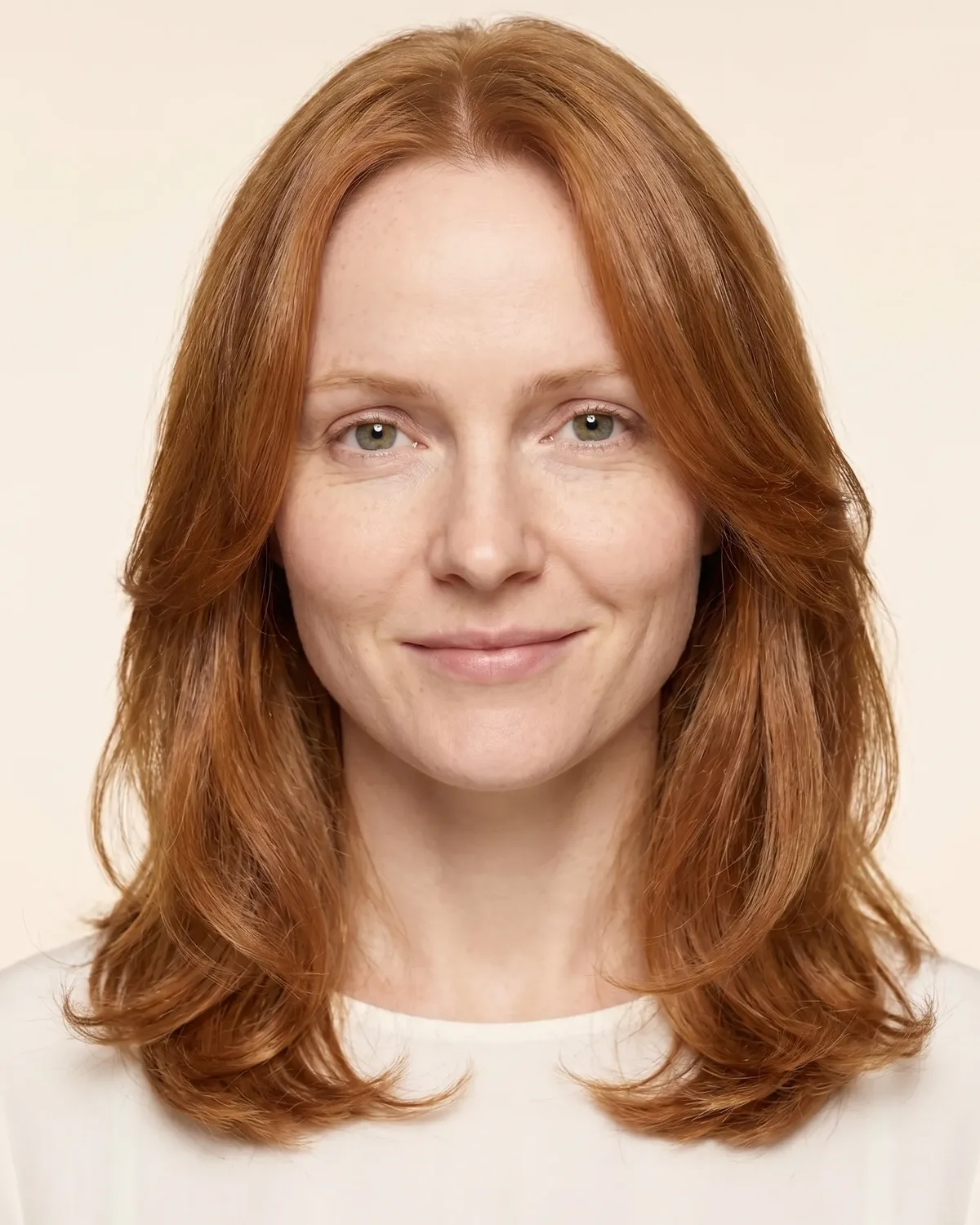
A 478-point face model loads into this tab and maps your features. Length, forehead, cheekbone and jaw widths and the jaw angle are measured after leveling the eye line.
Read color where it matters.
Skin is sampled on the cheeks and forehead (shadows and highlights discarded), hair just above the hairline, and the iris at its center — then converted to CIELAB to read undertone, depth and clarity.
Test it like a draper.
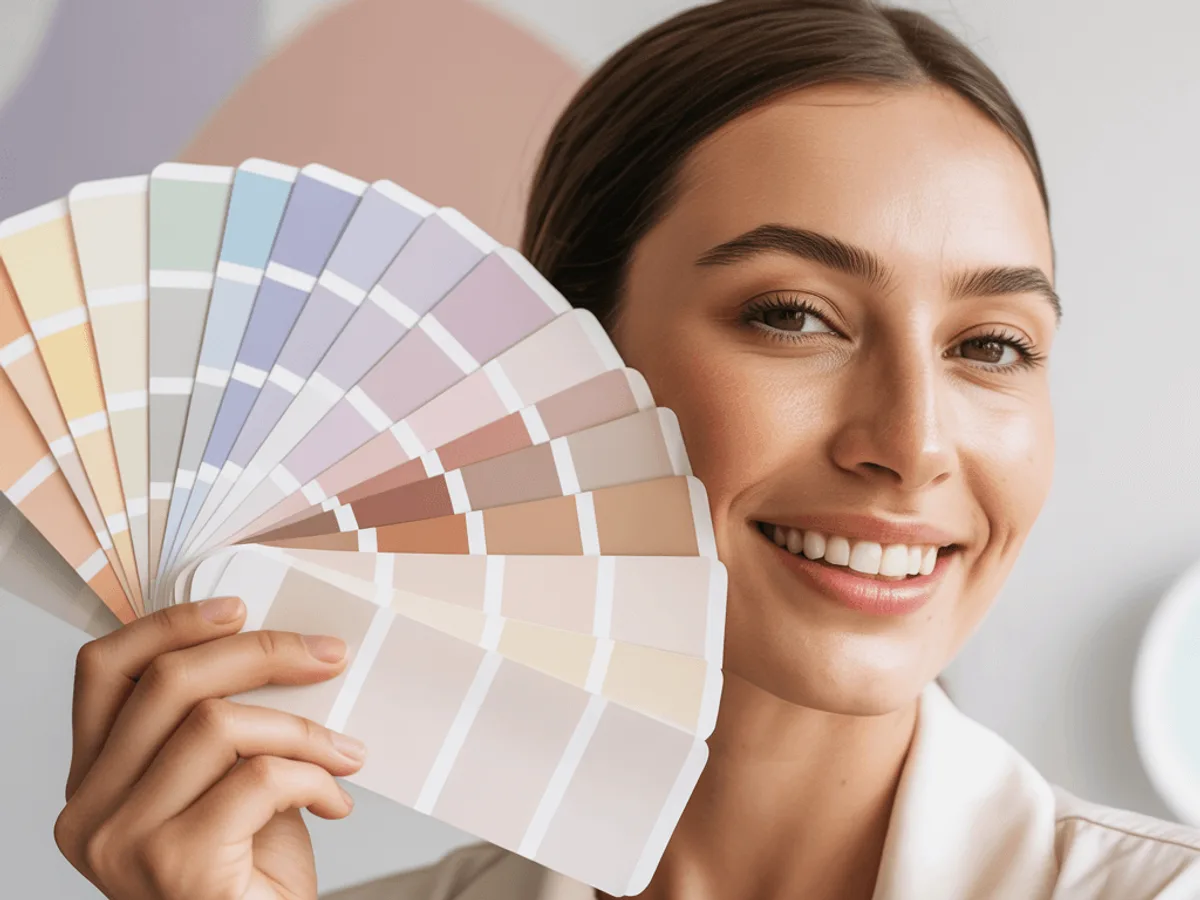
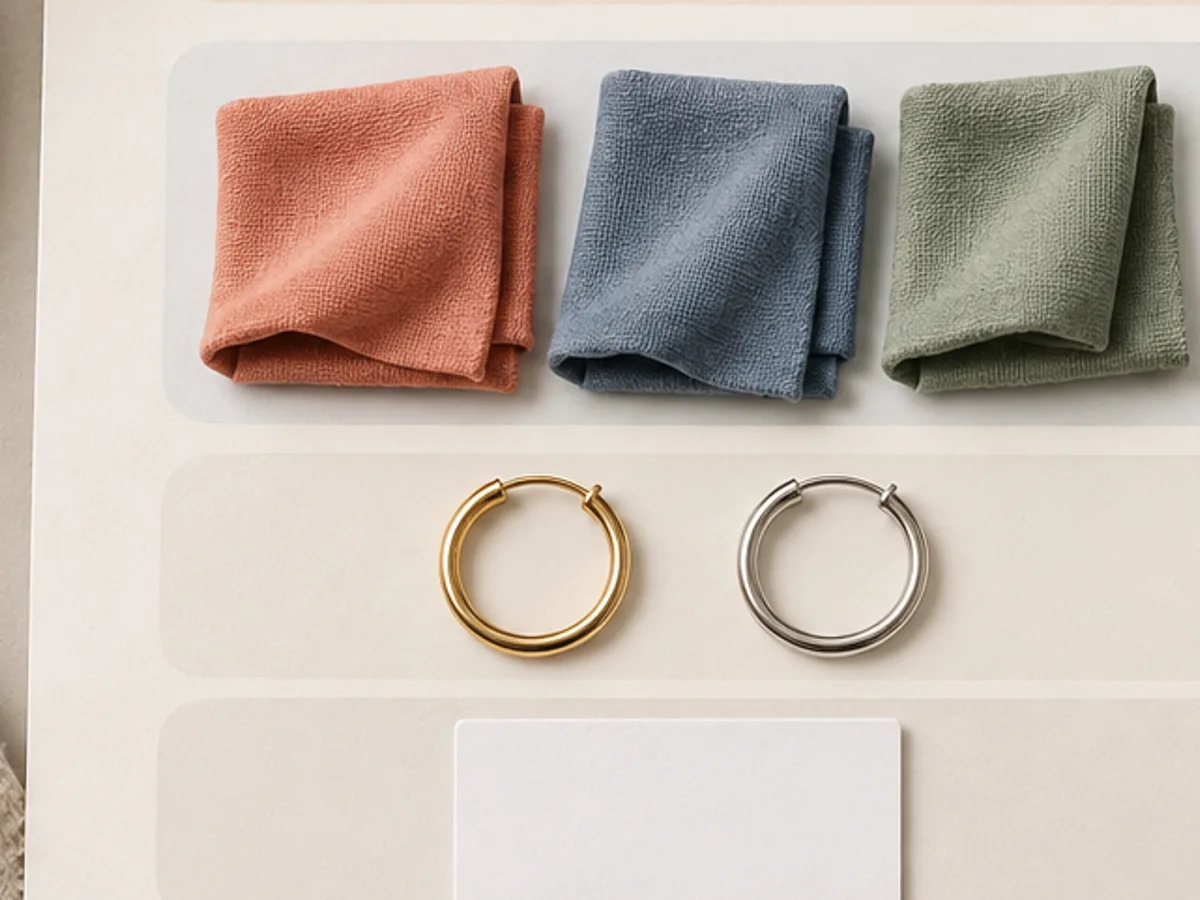
Your top season and runner-up arrive with colors to hold at your chin. Compare pairs in daylight; one side winning again and again is the answer — not a percentage.
04 — The 12 seasons
Twelve palettes. Find your neighbors, too.
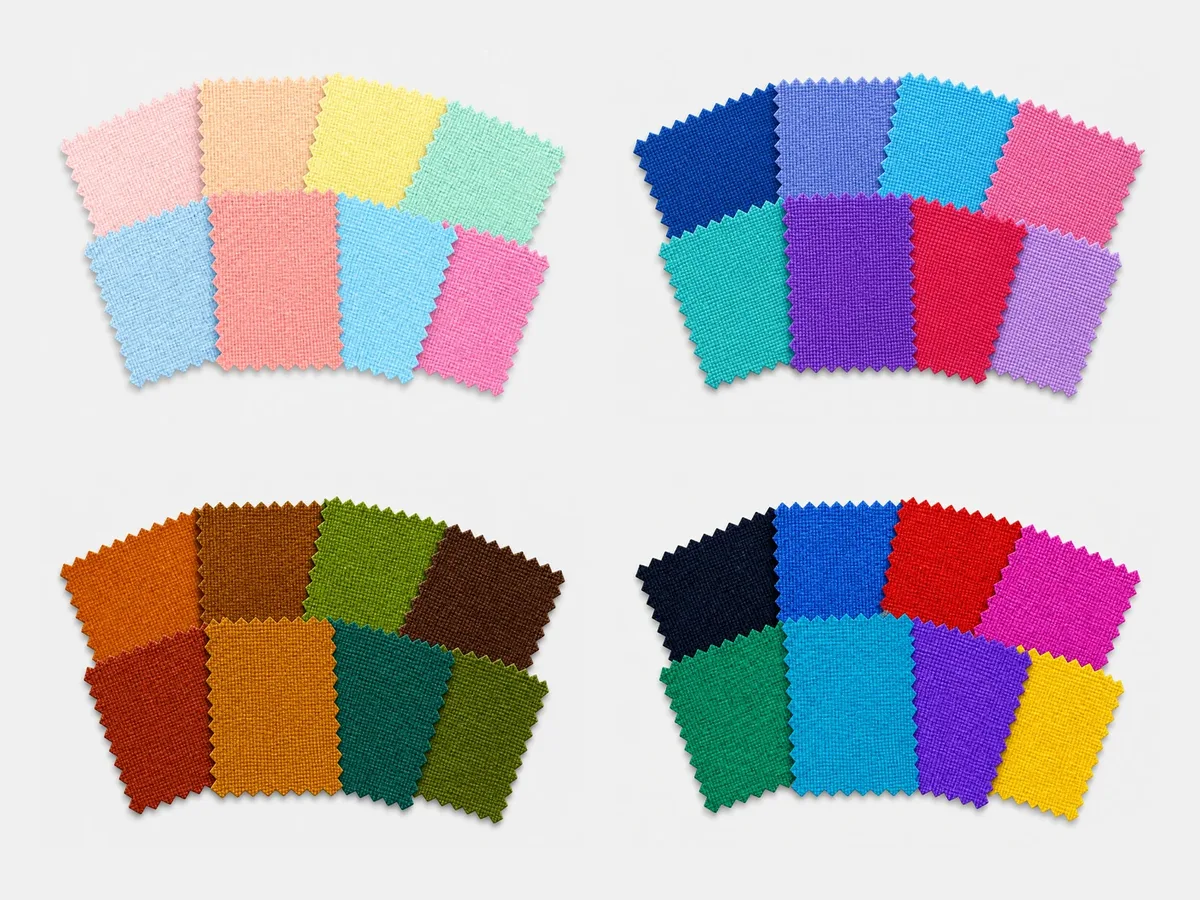
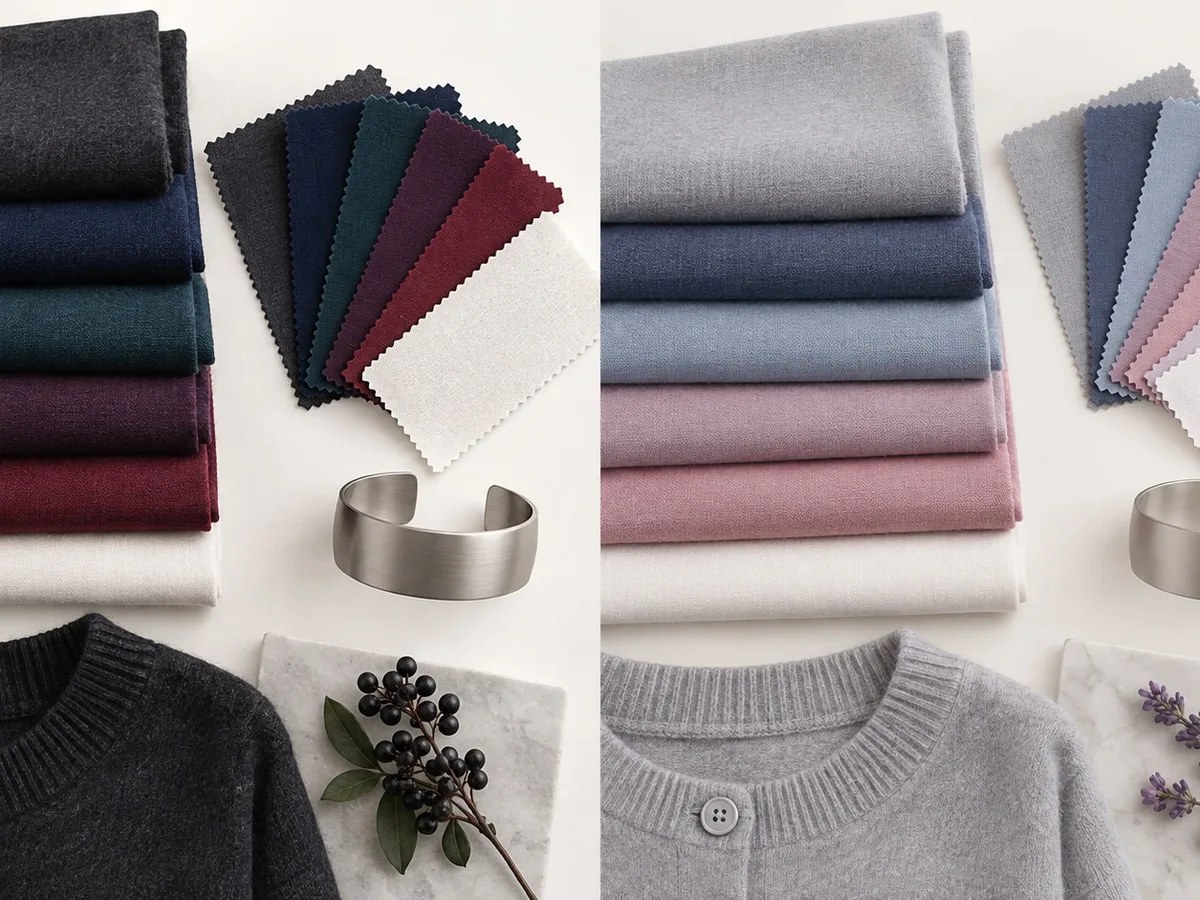
Seasonal color analysis sorts coloring by temperature, depth and clarity. Hover the wheel to see each palette — every season links to a full guide with 24 HEX colors, metals, whites and outfits.
05 — Face shapes
Seven shapes. Most faces mix two.
There is no universal cutoff between round, square and oval. The useful answer is where you’re widest, how long your face is, and whether its lines read curved or straight.
06 — Tools
Every question, its own tool.
Each page answers one question well — and links you to the next. Every tool is included in every plan (from $9.99).
Color
Face
03 · Hair plans
Chin bob
Long layers
Textured crop
02 · Your 24 colors
Closest to
Soft Summer
Oval, with some round traits
07 — The full report
Worth paying for: decisions, not pages.
- 1Season & face shape with the reasoning — and a retake included if the photo isn’t usable
- 2A 24-color palette: neutrals, main colors and accents, with HEX
- 33 hair plans (length, bangs, layers, upkeep) with AI try-ons that keep your face
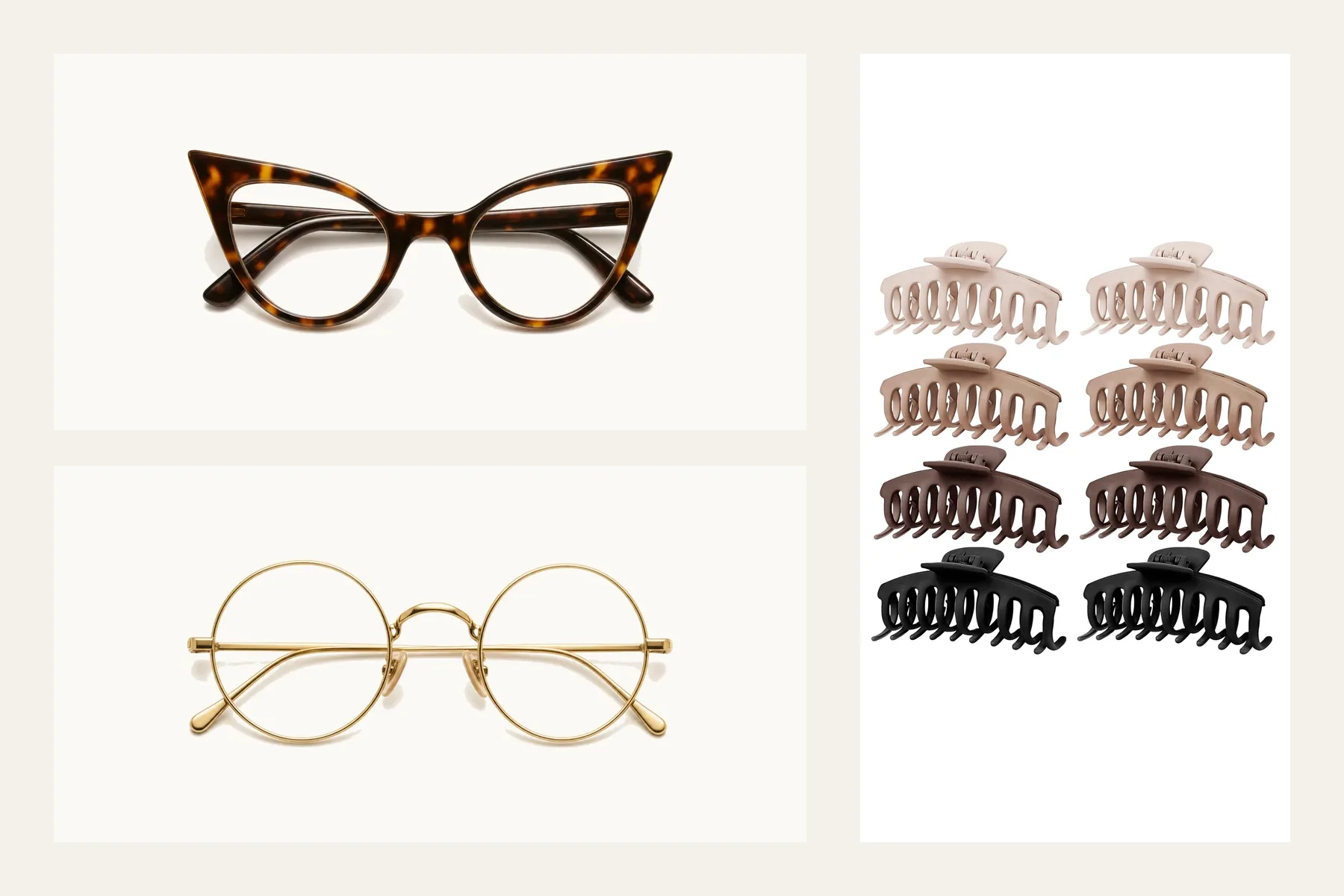
- 4Glasses & accessory directions — kept separate from measured sizing
- 5Work & weekend outfits that reuse what you already own
- 6A saved report, photo deleted within 24 hours, and a retake if your photo isn’t usable
One-time payment. Photo deleted from our systems within 24 hours. A retake is included if the photo isn’t usable.
A comparison of processes, not an accuracy ranking.
09 — Privacy
Don’t trust us. Verify it.
Faces are biometric data. Our on-device tools never upload your photo — retention is zero. AI features (analysis, report and try-ons) upload a head-and-shoulders crop only after you sign in, buy a plan and give separate consent, and delete it from our systems within 24 hours.
Biometric privacy noticeLoad
The model downloads once into this tab.
Go offline
Turn on airplane mode. The tools still work.
Check
DevTools → Network shows no photo upload.
10 — Questions
Asked, honestly answered.
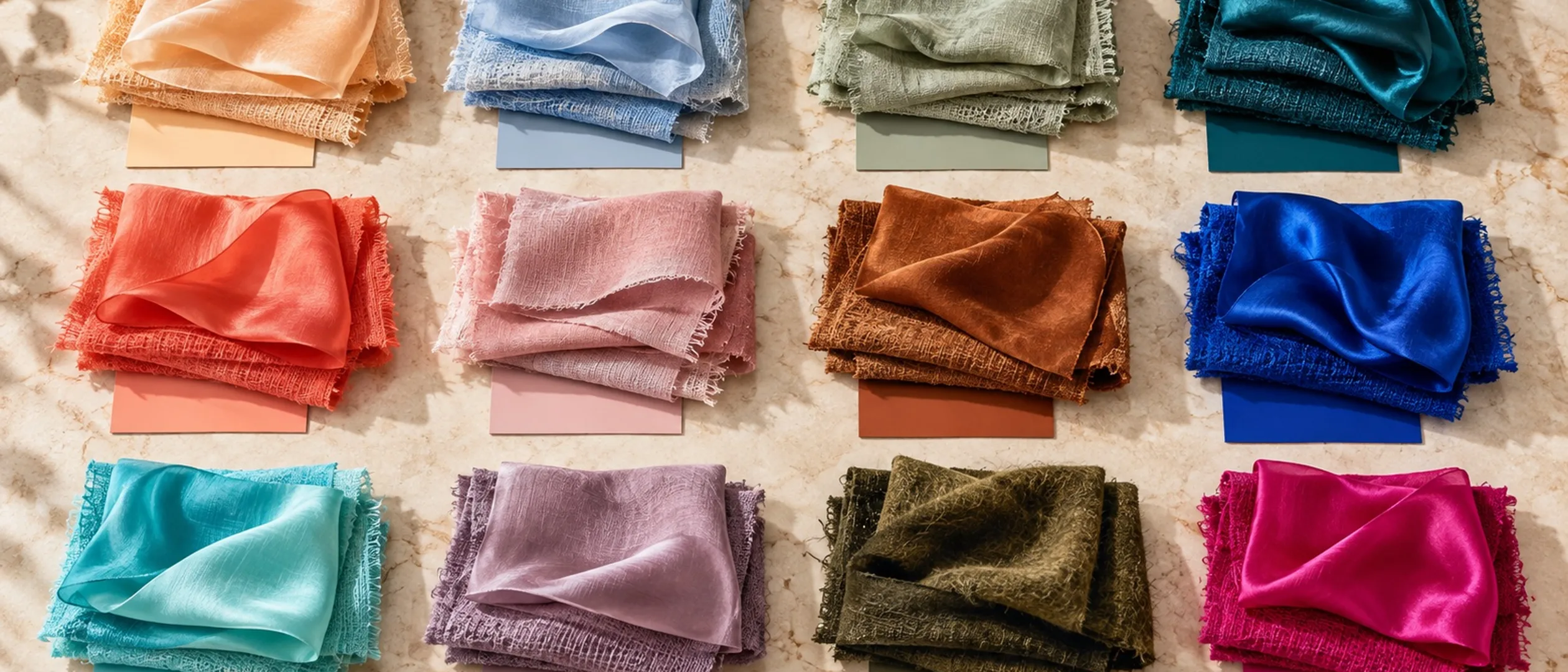
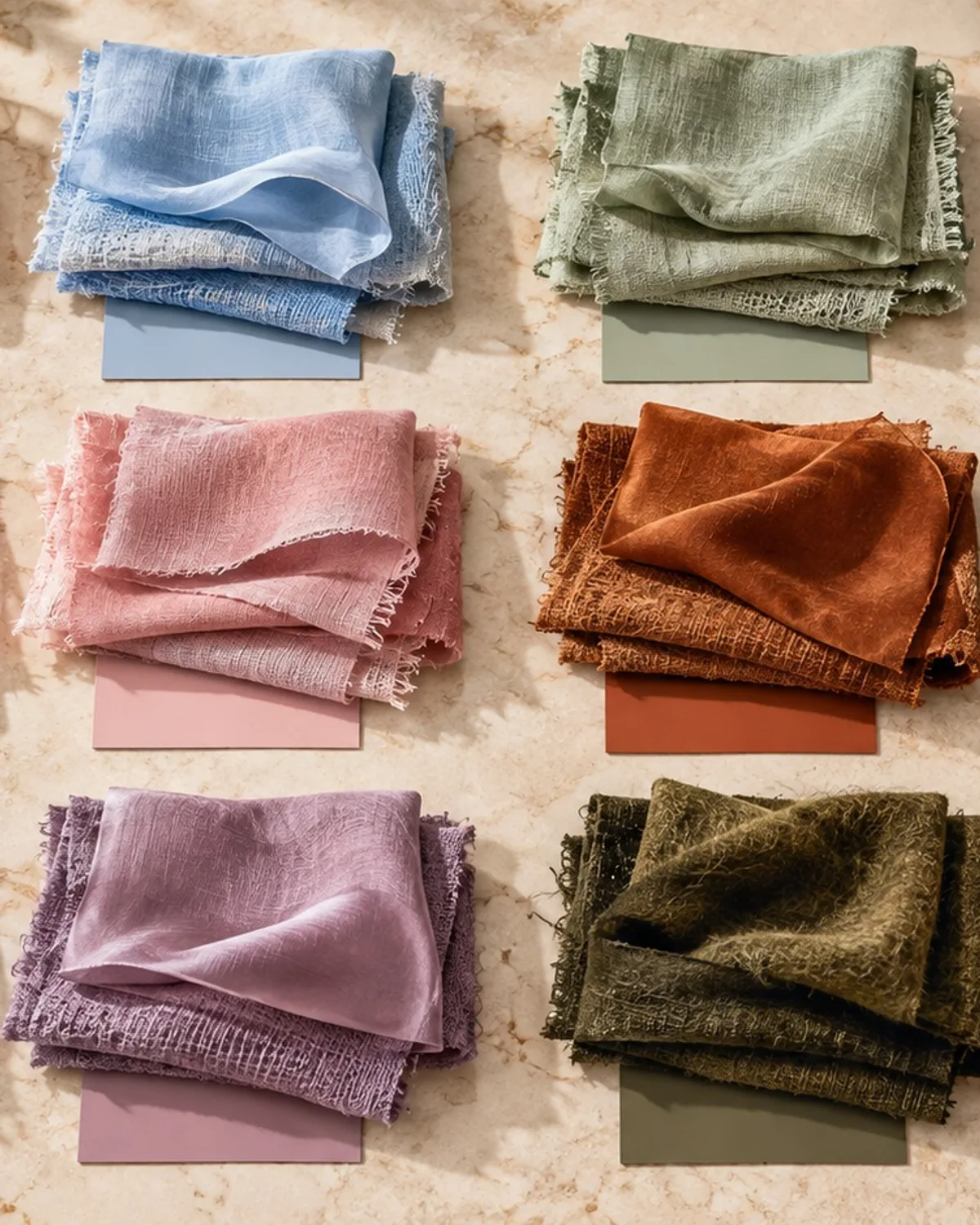
Hold every color up to your face.
Private, and honest about uncertainty. Start with one selfie.